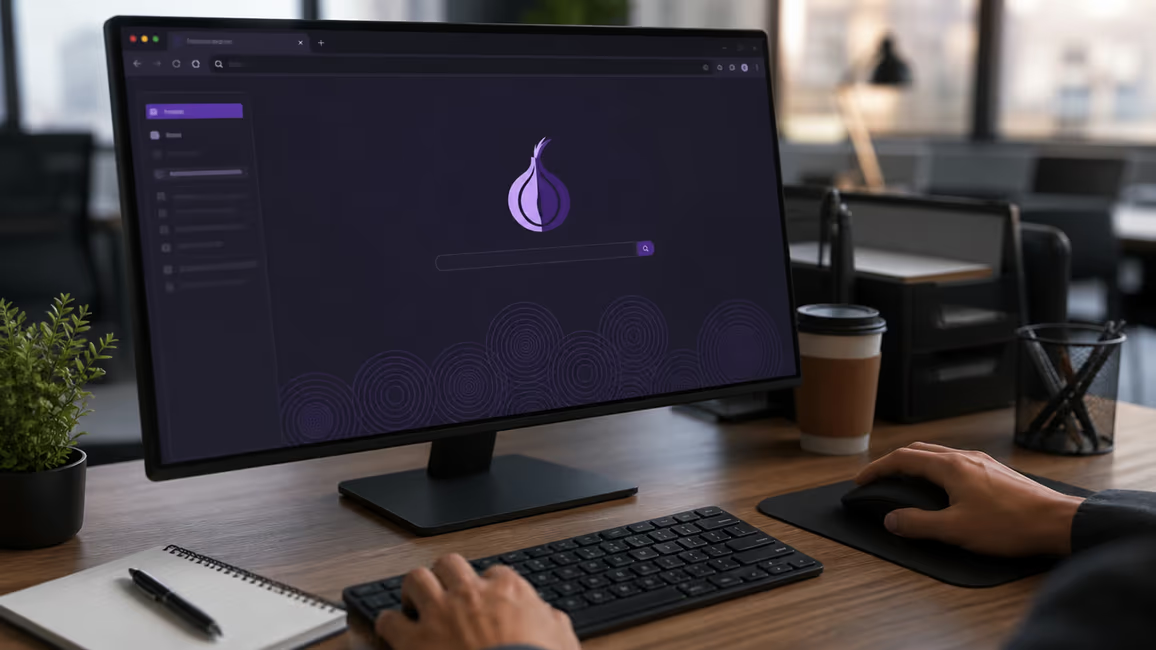
What Is a Dark Web Browser and Why Tor Browser Is the Standard
The dark web is a part of the internet that lets people hide their identity and location from other people and from law enforcement6. It consists of websites not indexed by internet search engines and only accessible through specialty networks like The Onion Router (Tor)7. Regular browsers like Chrome or Safari cannot access these sites — you need software designed specifically for this purpose, such as Tor or I2P6.
Tor Browser is the primary dark web browser. It's privacy-focused software that routes your traffic through the Tor network, hiding your real IP address, preventing tracking, and protecting you against surveillance and censorship8. When you use Tor Browser, observers can only see that you're using Tor, not what websites you visit9.
How Tor Browser Works: Privacy and Security Features
Tor Browser is based on Mozilla Firefox ESR (Extended Support Release) but has been heavily modified with additional patches and features to enhance privacy and security for use with the Tor network8. Traffic is relayed and encrypted three times as it passes over thousands of volunteer-run servers known as Tor relays9. This triple-layer encryption prevents anyone monitoring your connection from seeing your destination.
Specific privacy features include:
Isolates each website visited, preventing third-party trackers and ads from following you9
Does not keep browsing history by default; cookies are only valid for a single session8
Automatically clears cookies and browsing history when you close the browser9
Resists browser fingerprinting by making all users look the same, so websites cannot identify you based on your browser configuration89
How to Download and Install Tor Browser Safely
Download Tor Browser from the official website: https://download.torproject.org/1. The site is secured using HTTPS. Tor Browser 16.0 Stable is available for Windows (i686 and x86_64), macOS (Universal), and GNU/Linux (x86_64 and aarch64)2. For Android, Tor Browser for Android 16.0 Stable supports aarch64, armv7, and x86_64 platforms3.
If the official Tor Project website is blocked:
Use official mirrors through EFF or La Cebolla1
Email [email protected] with 'windows', 'osx', 'linux', or 'android' in the body — GetTor will send links to the latest version hosted on Dropbox, Google Drive, or GitHub1
For Android, download from F-Droid through the Guardian Project Official App Repository3
For detailed installation steps, see our step-by-step installation guide.
Security Settings and Safe Browsing Practices
Tor Browser includes adjustable security levels in its settings. Increasing the Security Level disables or partially disables certain browser features to protect against possible attacks10. Higher security settings may affect website functionality — for example, some scripts or media may not load. Adjust these settings based on your threat model: if you're accessing sensitive information, a higher security level reduces risk; for general browsing, the default setting balances usability and protection.
Is Using a Dark Web Browser Legal?
Using the dark web and Tor Browser is legal4. Browsing the dark net alone is not illegal11. Accessing and using Tor or alternatives does not indicate any wrongdoing12. There are many legitimate benefits, including increased security measures and the ability to access ad-free search engines4.
Legal boundaries: Consuming or downloading illegal content, or purchasing illegal goods and services, makes you liable to prosecution11. While approximately 57% of dark web content is illegal12, the act of using Tor Browser to protect your privacy or access .onion sites is lawful.
About the Tor Project
The Tor Project is a 501(c)(3) US nonprofit that advances human rights and defends privacy online through free software and open networks5. Tor Browser is free to download and use — there are no subscription fees or hidden costs.
Your questions, answered
Best dark web browser
Tor Browser is the standard and most widely used dark web browser — it routes your traffic through the Tor network, hiding your real IP address and preventing tracking8. It's free software from the Tor Project, a 501(c)(3) US nonprofit, and is available for Windows, macOS, GNU/Linux, and Android235.
Can I access the dark web for free?
Yes — Tor Browser is free to download and use, with no subscription fees or hidden costs5. Download it directly from https://download.torproject.org/1, or if that site is blocked, email [email protected] with your platform ('windows', 'osx', 'linux', or 'android') to receive free download links1.
Bibliography
- Downloading - Getting started - Tor Browser — Tor
- Tor Browser for Desktop — Tor
- Tor Browser for Android — Tor
- Security guidance for dark web leaks (ITSAP.00.115) - Canadian Centre for Cyber Security
- Tor Project | Anonymity Online
- What's the dark web?
- Dark web | CGA
- About Tor Browser - Getting started - Tor Browser — Tor
- Tor Project | Anonymity Online
- Security levels - Features - Tor Browser — Tor
- BSI - Dark net and deep web - Dark net and deep web: shedding light on the dark
- Understanding the dark web